The Central Customs Hospital provides patients with an “Online Personal Account” service, designed to ensure more convenient and prompt access to medical services.
Through this service, patients can access the results of laboratory tests and radiological examinations via the “Online Personal Account” service. To use the “Online Personal Account,” patients should visit the official website of the Central Customs Hospital and select the “Online Personal Account” section.
To log in to the system, patients are required to enter their L-card number, date of birth, and security code. After logging in, patients can view laboratory test results and radiological examination reports in their personal account and access them electronically.
How to Obtain an L-Card Number?
The L-card number required to access the “Online Personal Account” can be obtained from the Registration Department of the Central Customs Hospital.
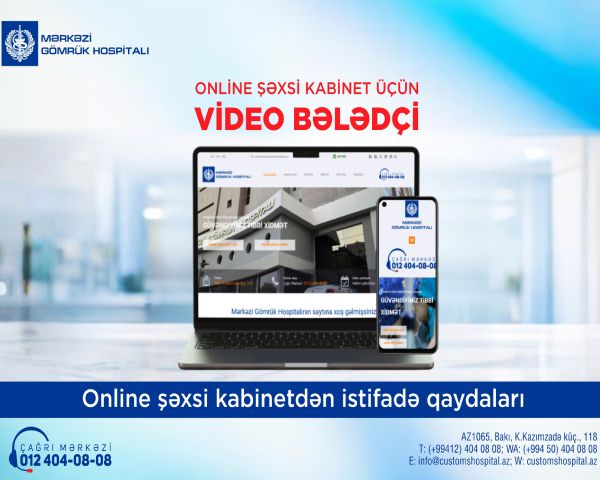
To make the service easier for patients to use, a video guide providing detailed instructions on how to use the “Online Personal Account” is also available. The video demonstrates, step by step, how to log in to the system, use the personal account, and access medical examination results online.
https://youtu.be/Z8txZjZTs1Y
If patients have any questions or experience technical difficulties related to the online service, they can contact the Call Center of the Central Customs Hospital at 012 404 08 08.
The Central Customs Hospital continues its efforts to ensure patient convenience, improve access to medical services, and advance digital healthcare capabilities.